
Torrentio Safety, Privacy, and Real-Debrid Integration Checks
Independent editorial guidance on compatibility, device settings, safety, and responsible use.
A search for “O Torrentio APK é Seguro? Relatório de Antivírus e Privacidade” asks for a verdict that depends on what was examined. An app package, a player add-on, and a connection to a separate service raise different questions. This guide describes how to inspect provenance, permissions, and data handling for the setup in front of you. It provides a review method rather than scan results or a conclusion about a particular file.
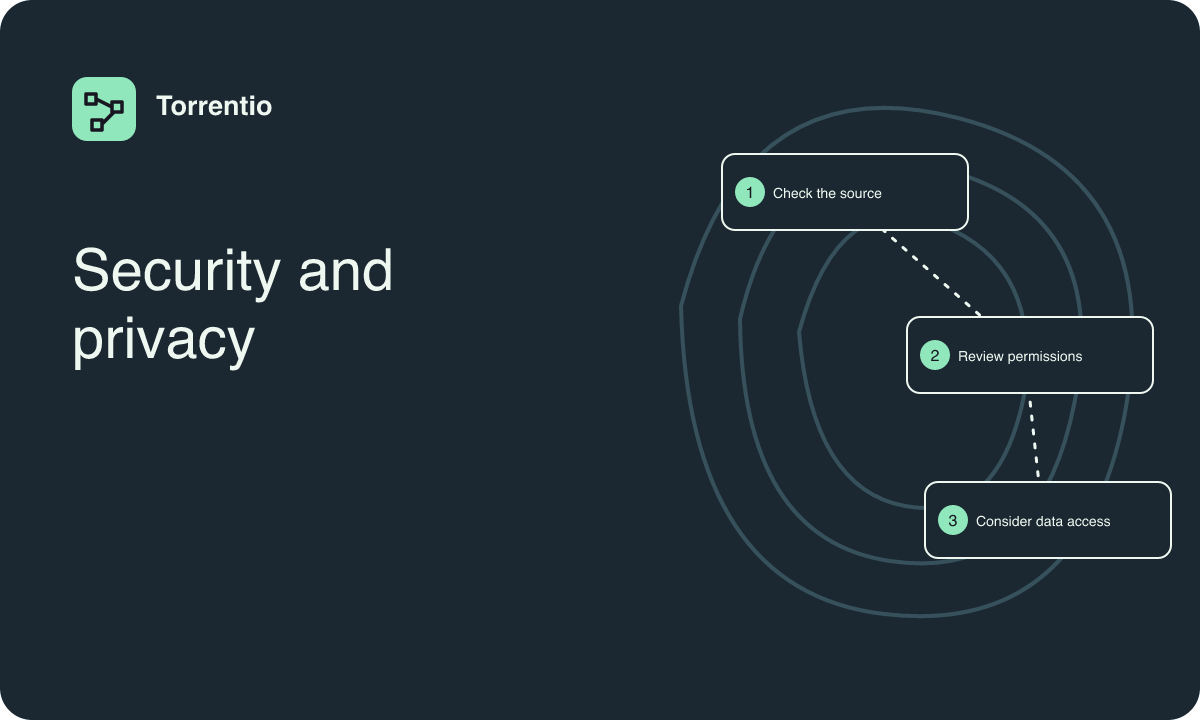
Make an inventory before evaluating risk
Write down the device, the player build shown in settings, and the distribution source you used. Record the name of any add-on and the place where you found a description of it. If a service would be involved, include it as a separate entry. Knowing which component prompted you for a change is essential to deciding whether a request makes sense.
For example, “I have an Android player installed, and a browser page offers a separate package” is a useful starting point. Compare the player’s description of its add-on workflow with the purpose of that package. If you cannot establish who distributes the file and why it belongs in the setup, leave it unopened while you review the relevant documentation. You can perform this comparison without installing the offered software.
Understand the questions a scan can answer
A scanner evaluates particular material with the methods it has available at the time. When you see a published report, look for a date, a precise description of what was examined, and an explanation of how the material was obtained. A package bearing a familiar name could differ from another package with the same label. A report about one file provides evidence in that limited context.
Privacy needs its own evidence. Even when a scan does not flag a file, it tells you little about which service receives a search or how long activity is retained. A separate add-on can behave through the host player without appearing as an ordinary Android package. For that workflow, read the project and service documentation to learn where requests go and which organizations describe handling them.
Compare device permissions with the task
Review permissions in the operating system settings for the player you actually installed. Consider the purpose of each permission you might grant. A player may need a documented way to open media you select, while a nearby-device capability may relate to casting. The exact requirements depend on the platform and features you use. If you do not plan to use a feature, check whether ordinary authorized playback works without enabling its permission.
Watch for instructions that ask you to weaken device protections, particularly when a site offers a replacement package as the solution to a minor interface problem. If an install or access prompt is difficult to interpret, capture its wording in your notes. Look up the control in the operating system and app documentation using the names they display. A guide should explain why the permission is needed for the action you took.
Trace the data involved in a possible integration
Read the applicable notices and support information for the player, any optional add-on, and the separate service. For a possible Real-Debrid integration, look for independently attributable documentation that describes that relationship. Ask which component receives a request first, which other parties receive information, and what each party says it stores. Use the documentation to establish scope before deciding whether the setup meets your expectations.
Try drawing the flow in ordinary sentences. “I select an item in the player. The player uses an optional component to request a result. The provider handles playback.” Mark the parts you can substantiate and the parts you still need to verify. For each documented step, ask whether it involves activity history, device information, or another type of data. Keep personal configuration values out of these notes.
Review the household and support implications
Consider where activity could be seen on shared devices. Check whether recent searches or viewing positions appear in the app after a session. If the player provides separate profiles or local privacy settings that suit your needs, inspect those controls on the device itself. Pay attention to responsibility for each setting. A change that hides an item on the television may not make the same change to a service’s records.
When asking for help, give the operating system and describe the screen where a permission or unexpected behavior appeared. Crop images to the relevant message and check what remains visible. Title history, names, and account information can appear at the edge of a screen. A plain transcription of an error is often enough for the first round of support.
Check what you can reverse before proceeding
Find the documented controls for removing an optional component and reviewing device permissions. If a service is involved, read its own guidance about turning off a connection and handling stored activity. Distinguish removing a visible entry in the player from any separate action the service documents. Write down what you can establish about both so you have a recovery route before trying the integration.
If you notice an unexpected permission or activity after a change, pause use of the optional component while you review it. Record the time and visible behavior. Return to an authorized playback method that you already trust. For an unfamiliar package installed on a device, use the platform’s security guidance and keep protections enabled while you decide what assistance you need.
Write a limited conclusion for your own setup
Summarize the date, device, origin of the player, permissions you reviewed, and what documentation you found for any integration. If the result is uncertain, name the missing evidence. For example, you may have verified the player distribution source and confirmed that local playback works while leaving the add-on and service relationship unconfirmed.
If you complete another review later, record what changed and which evidence addressed it. A useful conclusion is specific enough that you can repeat the check after a system update or on a different device. It lets you keep ordinary authorized playback available while you make an independent decision about any optional data sharing.
Reopen the review when a new permission appears or when the documentation describes a change in who handles the activity. Compare that change with the features you actually use. If the relationship still matters for your setup, check what the relevant parties say individually before relying on a tutorial’s summary.