
Contact and Support: Preparing a Question
Independent editorial guidance on compatibility, device settings, safety, and responsible use.
If you arrived through a search for “Fale Conosco e Suporte Técnico,” start by writing down what you were trying to do and where you got stuck. A short description of the device, the failing step, and one useful comparison will help you find the right documentation or prepare a clear support question. This page outlines what to include and how to keep private information out of a report.
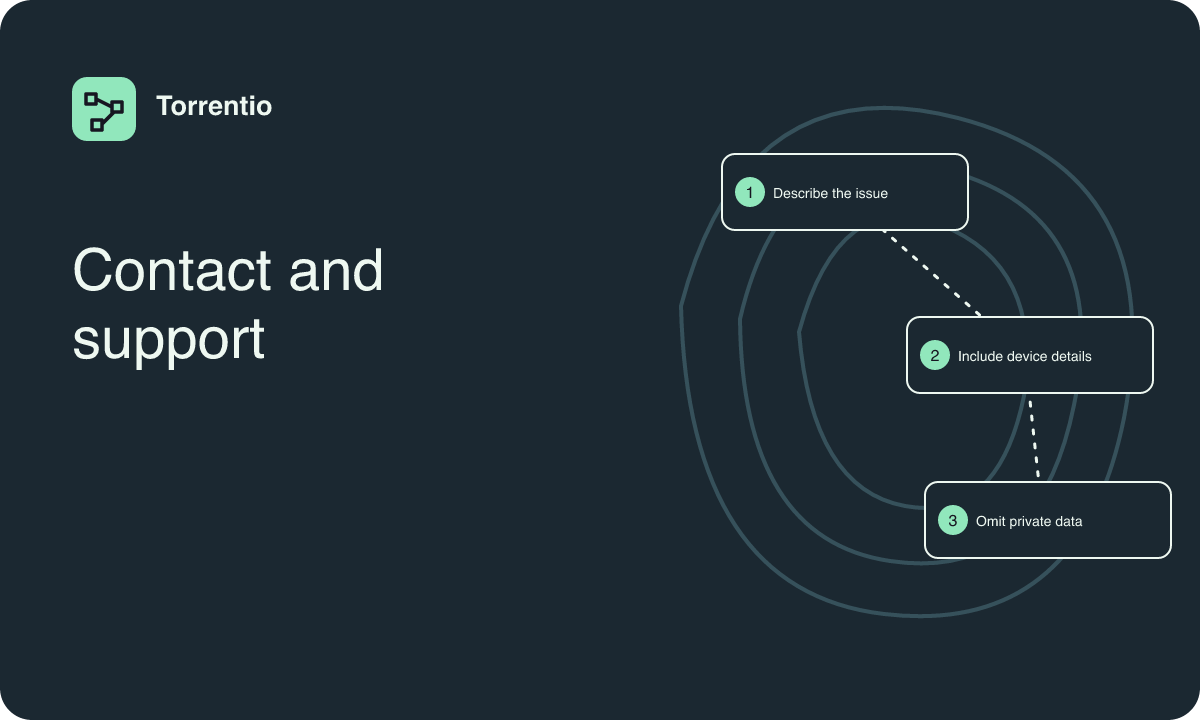
Decide what you want help with
Describe the goal using the screen or control you were using. “I am trying to open captions on my streaming stick” is easier to investigate than “the app is broken.” If you were following one of the site’s guides, note the page heading and the specific step you reached. Explain what you expected to see and copy the wording that actually appeared, where it is useful.
Distinguish a question about an article from a question about the equipment or app. A guide that uses a menu label you cannot find may need an editorial correction. A remote that behaves the same way in several apps might need device help. The first person you contact will have a better chance of directing the question if you identify what changed and which parts still work.
Gather the few setup details that matter
Use the device settings to find the model, operating system, and installed player build. Include only the details relevant to the problem. A Fire TV question may need the stick model and remote behavior. A casting question may need the sender and receiver models and whether the receiver appears in the device list. A desktop playback question may need to say whether a second display was attached.
Mention the documented installation route if the issue concerns getting the player. If the problem involves an optional component, say whether you can see it in the player’s interface and whether there is documentation for your setup. Use the names shown by your device. If you do not know a detail, say so and describe which information screen you checked. That is enough to make the question actionable.
Repeat the problem once with a safe example
Pick a short clip or licensed item that you have permission to use. List the taps or remote actions from the nearest point where everything still works. Keep the sequence short. If the result only happens some of the time, mention that and record the circumstances of the latest example. An approximate time and a relevant recent change often give more context than a long list of every troubleshooting step you have ever tried.
For example, you might write that the video plays with sound on the phone, the receiver appears when you open the cast menu, and the television stays on its loading screen after you select it. If another authorized sample casts successfully, include that single comparison. If you cannot repeat the problem, describe the original event and say what happened when you tried again.
Remove private details before sharing anything
You can usually explain a playback or settings issue using visible labels and short descriptions. Leave out account information, complete configurations, private network details, and unrelated titles. A screenshot that contains a useful error may also show a profile name, browser tabs, or recent searches. Crop it tightly and review the final image before attaching it to any message. A typed error is often easier to read and easier to keep private.
Avoid attaching a whole log or screen recording when a short excerpt or description will answer the question. If the support provider requests more information, check its published guidance on safe submission and what the request is intended to establish. For a household device, review anything that might reveal information about another person who uses the same screen.
Find the party responsible for the failing step
Use the device vendor’s documented help for hardware, remote controls, and platform behavior. For a problem confined to the player, start with the player’s own documentation for the installed build. A question about an optional component can go to an independently verified project channel if one is documented. If the issue concerns availability or playback of a licensed item from a recognized provider, consult that provider’s help for the actual edition, region, and device.
For a correction to an article, identify the page and the source you used to check it. If you have found a verified site contact route, you can describe the issue there. This guide also works when you need to look for the route yourself. Verify who maintains a channel before sending material, especially when several similar names appear in search results or a public discussion.
Use a short message someone can act on
- Begin with your goal and the step that fails. For example, explain that you can start an authorized clip on the streaming stick but lose the picture when you switch to a particular display mode.
- Give the device model, operating system, and player build relevant to that step. Mention any receiver or second display only if it is part of the test.
- Describe the expected and actual results. Include the wording of a visible error and one comparison, such as a lower-quality sample that works on the same equipment.
- End with a specific question. You might ask which documented setting controls that output on your model, or whether the documented setup covers the player build you use.
Read the message once from the recipient’s perspective. They should be able to identify the task, reproduce the relevant portion if they have comparable equipment, and decide whether it belongs with them. Remove background that does not change those decisions.
Keep a record you can update
Save a private copy of your description and the changes you tried. If you later find that another device has the same symptom or that a documented setting solves it, add that result and the date. Repeating the same authorized sample can help you determine whether a solution holds after a restart or when someone else in the household uses the device.
If you are preparing several questions, give each one its own subject and example. A missing menu and an audio problem can happen on the same evening but need different information. Start with the one that blocks ordinary viewing, then use the response or your documentation check to decide whether the other question still matters. Keeping each report small makes it easier to reuse what you learned without sharing unrelated details.